
Productivity
Every launch so far · 9 projects
Productivity



Save Gmail Emails as PDF in Bulk
Save Gmail Emails as PDF in Bulk is a Chrome and Edge extension that adds PDF and Print buttons to Gmail's own toolbar. Select emails, a whole label or a search result and save every conversation as its own PDF with attachments zipped alongside, or merge up to 50 conversations into one PDF to save or print. PDFs are generated locally in your browser, so no email is ever uploaded. Bulk export: tick the emails you want, or select a label, a sender or any Gmail search result, then click PDF. Each conversation becomes a separate PDF, named by a filename template you build from date, sender and subject (the default gives names like 2026-01-15_Acme_Invoice.pdf), and attachments are saved next to each PDF in a zip with the original files intact. A progress panel shows which emails are saved, converting or waiting, and a run can be cancelled midway without losing the files already written. Merge and print: click Print instead and the selection is merged into a single PDF, one email per page, in the order you picked them. A short summary lists what went in, then Save PDF downloads the merged file or Print now sends it to the printer as one job. Gmail itself can only print one conversation at a time. A whole thread can also be saved as one PDF with every reply in order. Page setup: portrait or landscape, and eight paper sizes (A3, A4, A5, B4, B5, Letter, Legal and Tabloid), set once and applied to every export. Layout, fonts, inline images, headers and timestamps come through as Gmail shows them. Privacy: the PDF is built inside the Gmail tab that is already open, on your own device. Emails and attachments never pass through our servers or anyone else's. It works with personal Gmail and Google Workspace accounts, in Chrome (Chrome Web Store) and Microsoft Edge (Edge Add-ons) with identical features. There is no setup: after installing, the PDF and Print buttons appear the next time Gmail is opened. It is used for client files, discovery and evidence in legal work, invoices and receipts for accounting and audits, offer letters and candidate threads in HR, project sign-offs for freelancers and agencies, transaction files in real estate, claims records in healthcare and insurance, and backing up a mailbox before an account closes. Pricing: the free trial includes every feature and 20 Gmail to PDF conversions. Pro is $4.99/month or $49.9/year for unlimited conversions with priority ticket support, cancel anytime, and every payment has a 7-day money-back guarantee. The website is available in English, Chinese, Spanish, French, Arabic, Portuguese, Japanese and Korean. It is an independent tool, not affiliated with or endorsed by Google or Gmail.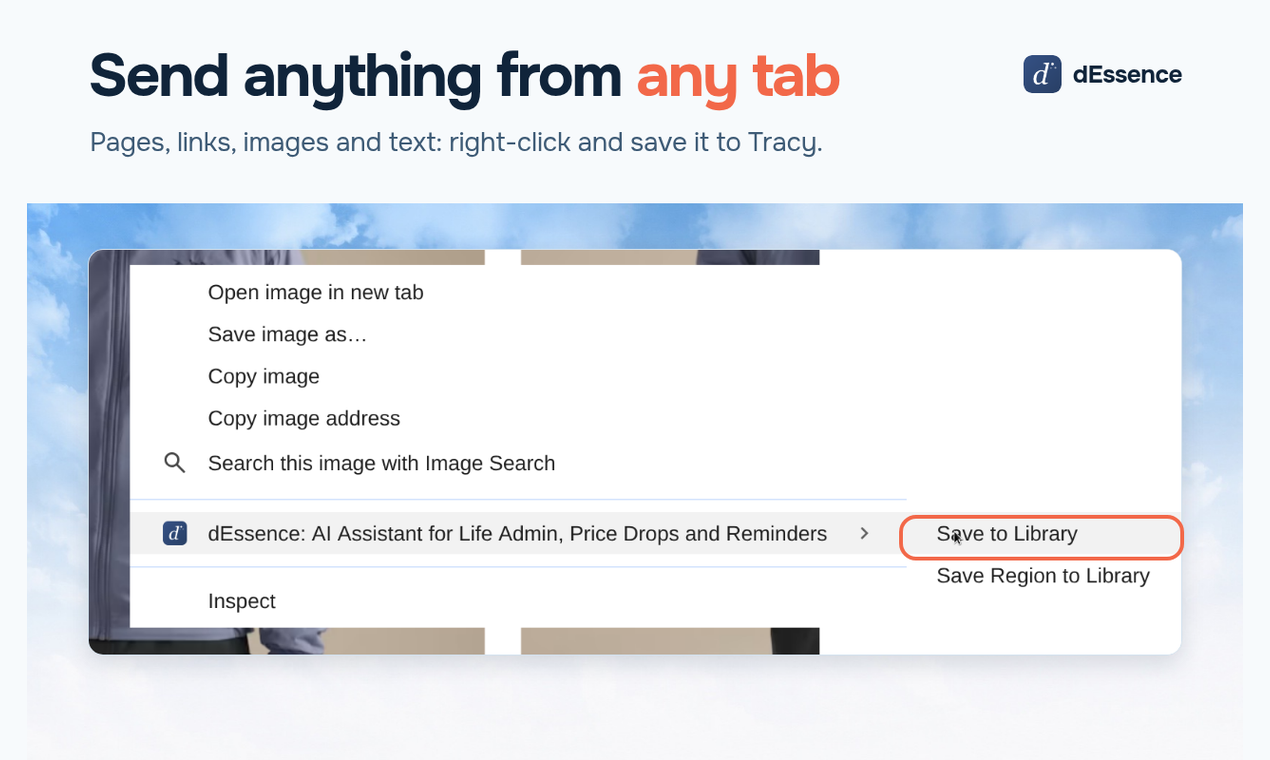
dEssence
Life doesn't arrive as tasks. It arrives as emails, links, screenshots, products and messages. Often all you know is: I'll probably need to do something with this later. dEssence gives you Tracy, an AI assistant for everyday life admin. Most tools expect you to work out what to do before they can help. Tracy starts with the thing itself. Send her something. She understands it, remembers the details that matter and comes back when there's a reason, so you can stop checking. Ask for a reminder at the time you pick, ask her to watch a price or your size, or hand her a long email and get back what to do and by when. Ask her something. She uses what you've already shared to give you a useful answer. Tracy stays quiet until there's a reason. You make the decisions, she keeps track. Works in the web app, the Chrome extension, Telegram and iMessage. Free plan, no card needed. Pro is $10 a month.
Willow Voice
Willow is an AI voice dictation tool that turns natural speech into polished text in any app. Instead of typing, you just talk, and Willow cleans up filler words, fixes punctuation and formatting, and matches your writing style so the result reads like you wrote it. It helps your team move faster through emails, Slack messages, documents, notes, and AI prompts without spending all day typing. Willow works anywhere you can type, with a simple hotkey, and runs on Mac, Windows, and iPhone. It is built for founders, writers, sales and support teams, and anyone who thinks faster than they type.
ZIPZAX
ZIPZAX brings 475 free online tools for everyday digital work into one consistent workspace. Tools are grouped into clear categories including Documents & PDF, Images, Video & Audio, Converters, Security & Privacy, Files & Archives, Text & Writing, Calculators, Developer, Data, SEO & Website, Productivity, Business & Policy and Fun & Misc. Popular tools include Merge PDF, Image Compressor, Word Counter, JSON Formatter and Password Generator. Each tool shows clear limits and how its data is handled.